Remix vs LuxAlgo SMC structure comparison

I Removed LuxAlgo and Asked Remix to Read SMC. Same Levels.

💡 TL;DR / Summary - Remix vs LuxAlgo SMC Empirical Key Takeaways Independent Computation: TradingView Remix computes the SMC structure directly from raw OHLCV price data, completely independent of whether the LuxAlgo indicator is active on the chart. To-the-Dollar Match: Core structural levels (BOS at $77,640.00, CHoCH at $78,754.65) returned identical to the dollar, regardless of indicator presence. Complementary Roles: The free LuxAlgo indicator is highly economical for continuous visual monitoring, while the Remix agent excels at producing comprehensive on-demand analyses with specific risk scenarios. TradingView Remix and the LuxAlgo Smart Money Concepts indicator both mark up the same chart with BOS, CHoCH, order blocks, and liquidity zones. To find out whether Remix reads those levels from the indicator or computes them from raw price, I ran the same SMC analysis twice: once with LuxAlgo on the chart, then again after deleting it. The core structure levels came back identical to the dollar. Remix computes from raw price, independent of what the indicator draws. The two tools converge on the same structure but differ in how they output it, what they cost, and whether they repeat exactly. ...
May 24, 2026 · 4 min · Steve
TradingView Remix Complete Guide

TradingView Remix Complete Guide (2026)

TradingView Remix is a browser side-panel AI that controls your TradingView charts through natural language — analyze symbols, add indicators, draw support/resistance zones, generate Pine Script, manage alerts. This guide covers everything a new user needs to set it up and use it well in 2026, including the new weekly usage model that scales with your TradingView plan (most existing guides still describe the old “15 per day” beta limit). ...

May 20, 2026 · 5 min · Steve
TradingView Remix Prompt Strategy

Master Prompt vs Split Questions on TradingView Remix

There’s a common claim that asking Remix one big “master prompt” saves significant usage versus splitting your questions. I tested both approaches with the same Bitcoin analysis on Premium (5×): four split questions consumed 10 tools (1% usage); a single master prompt with broader scope consumed 19 tools (also 1% usage). 💡 TL;DR / Summary - Master Prompt vs. Split Questions: Key Takeaways Myth Debunked: Asking a single master prompt does NOT save quota over split questions. Both burned exactly 1% of Premium weekly usage in our controlled tests. Session Context Subsidy: Chaining questions in the same session is surprisingly efficient. The last synthesis question cost only 2 tools thanks to automatic session context reuse. Strategic Choice: Use Master Prompts when you need a highly cohesive, self-contained report with automatic chart drawings in one shot. Use Split Questions for interactive, stepwise analysis. The 5× savings claim circulating online is exaggerated. But the master prompt does pack 9 more tools of work into the same 1% bucket — it doesn’t save quota, it produces more output per percent. Remix is officially promoted on the TradingView blog and distributed via the Chrome Web Store. ...

May 19, 2026 · 4 min · Steve
TradingView Remix Weekly Limits

TradingView Remix Weekly Limits, Tested by Plan

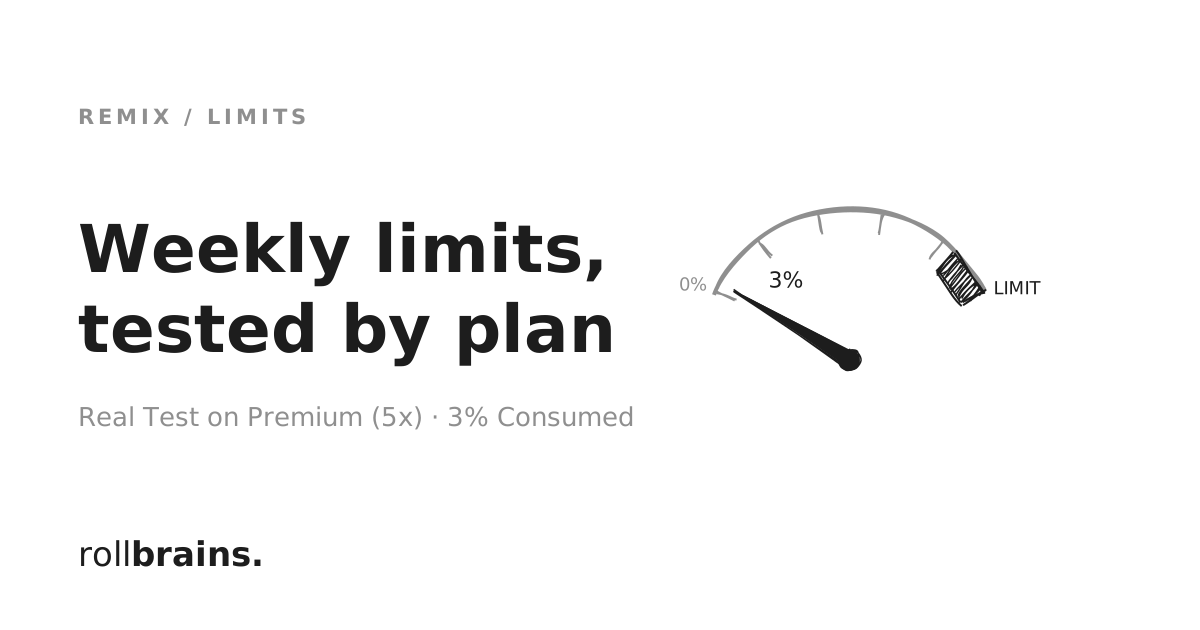
TradingView Remix moved from a daily 15-request cap to weekly limits tied to your TradingView plan. After running 5 diverse requests on Premium (5×) — from a quick RSI lookup to a full SMC structure analysis — total consumption was 3%. That means Premium comfortably supports power-user workflows for most active traders, while the Free tier (0.25×) burns out in roughly two heavy queries. Edge cases — running dozens of full SMC analyses daily — can still hit the ceiling, so plan accordingly. ...

May 19, 2026 · 5 min · Steve